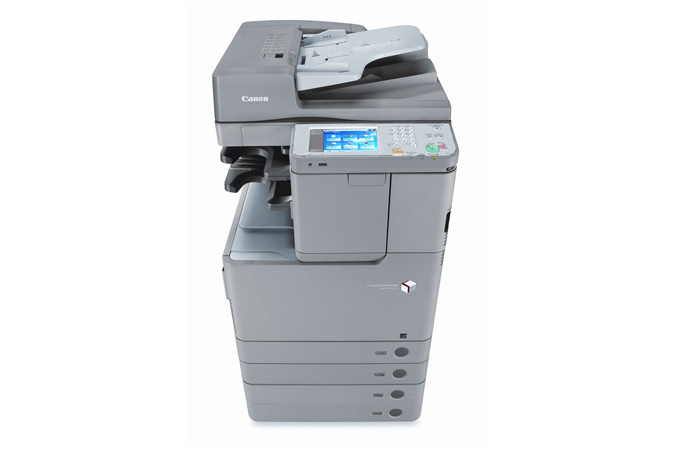
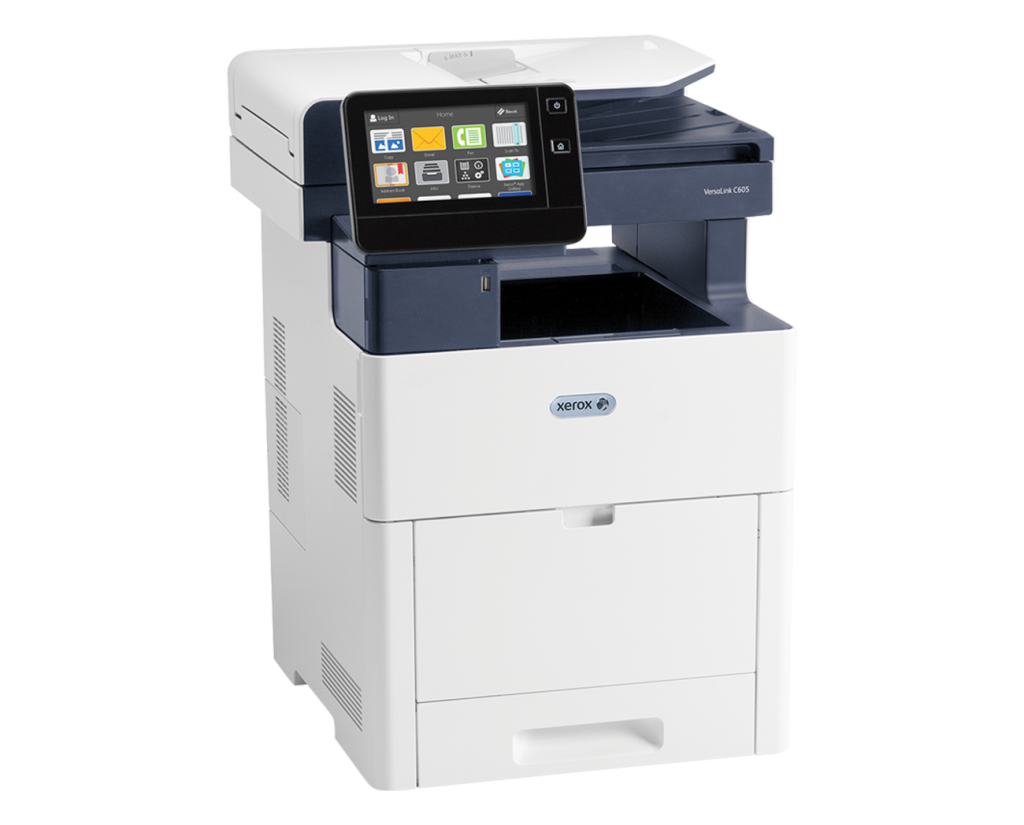
Shopping for a copier lease can feel like buying a car from a salesperson who knows every clause and assumes you won’t read them. Commercial copier leasing is a simple idea: you pay a predictable monthly fee to use an office printer-copier instead of buying it. For most small businesses, that means about $75 to $350 a month plus per-page service costs.
The problem isn’t the lease itself. It’s the fine print. At Clear Choice Technical Services, we regularly review contracts for businesses stuck in leases they thought they understood. This guide covers what you should pay, how MFP lease programs work, and the exact traps to watch for.
TL;DR: A homepage or primary services overview landing page is the front door of a copier and IT provider’s entire website. It blends the broad brand overview of a website homepage with the conversion focus of a landing page – routing visitors quickly toward copier leasing, short-term rental, printer repair, managed print services, and remote IT support. For a B2B office technology firm like Clear Choice Technical Services, this page must show what you do in under five seconds, highlight multifunction printer (MFP) lease programs, and make it effortless to request a quote. It serves traffic from search engines, direct visits, and branded queries, and its single job is turning browsers into qualified leads.
Key Takeaways for Designing This Page
- Your homepage or primary services overview landing page should direct at least 80% of landing page visitors to one of your four to six main services within three clicks.
- The key difference between a pure landing page and a homepage in this context: the home page must still inform broadly, but it should be built using landing page best practices – clear headlines, minimal clutter, and dominant calls to action.
- Pair clean service tiles (copier leasing, copier rental, printer repair, managed print services, remote IT support) with a single prominent “Request Service Quote” CTA to increase conversion rates across your entire page.
- Effective landing pages are tailored to specific audience segments – your homepage should borrow this principle by speaking directly to your target audience, including operations directors, IT managers, and procurement officers.
- Landing pages allow for targeted messaging based on audience segments, and your homepage can do the same by grouping services around the problems each buyer type actually has to support broader marketing efforts.
- Making pricing models, contract terms, and response-time commitments transparent on the first page helps prevent common copier leasing traps and scams before a prospect ever picks up the phone.
Why Your Website Homepage Matters More Than Ever in 2026
Your commercial copier is no longer a box that spits out paper. It is a networked device tied to your cloud storage, your email, and your security infrastructure, so researching specific multifunction printers like the HP LaserJet 3055 all-in-one before purchase or lease is more important than ever. That shift means the goal of your homepage or primary services overview landing page is not to “look nice” – it is to convert visitors from organic search and direct traffic into copier leasing and IT support consultations.
A high-converting homepage must capture attention and guide visitors toward action. Yet a 2026 study of 181 U.S. small business homepages found that 35.4% had no clear action button visible above the fold. That is over one-third of businesses losing leads before anyone scrolls.
Most U.S. businesses now lease their commercial copiers on 36- to 60-month terms. Decision-makers start by comparing providers’ websites – your homepage is your first impression, your pitch, and your pricing guide rolled into one web page. No hidden fees, no copier leasing traps. That is what your page needs to communicate instantly.
What Is a Homepage or Primary Services Overview Landing Page for a Copier & IT Provider?
For Clear Choice Technical Services, this is a hybrid page. It functions as the website’s home page – providing a comprehensive overview of the brand – and as an effective landing page focused on the main revenue-generating services. Unlike a standalone web page built for a single advertising campaign, it serves multiple visitor intents at once.
Here is what this page does:
- Acts as the primary entry point for organic traffic, paid ads, email marketing clicks, and direct visits
- Confirms immediately that the visitor is in the right place (“Yes, we lease copiers, fix printers, and manage IT”)
- Presents four to six core services with clear paths to deeper service page content
- Keeps visitors focused on one primary action that moves them to the next stage of the marketing funnel
- Landing pages can exist independently of a website, but this page lives at the root of your full website and anchors your entire navigation
- Encourages users to explore further without overwhelming them with extensive navigation menus or competing messages
Landing pages focus on improving conversion rates by removing distractions. Your homepage borrows that discipline while still giving enough context for a first-time visitor to understand who you are.
Homepage vs. Landing Page: What Are the Key Differences for B2B Service Firms?
A traditional homepage typically provides a broad overview of a brand’s offerings and serves every type of visitor. A dedicated landing page is a standalone page built for a specific marketing campaign with a single call-to-action. Your primary services overview page sits in the middle – it has the breadth of a homepage and the conversion discipline of a landing page.
Key differences worth understanding:
- Landing pages focus on conversion with a single CTA. Homepages provide multiple navigation paths and broader content. You can have multiple landing pages but only one homepage, and one landing page is rarely enough when offers or audience needs differ.
- Landing pages typically have no external links to minimize distractions. A homepage links out to other pages, blog posts, and resources across the entire website.
- Landing pages are designed for specific marketing campaigns and target a particular audience from one traffic source. Your homepage serves every audience segment – the CFO researching costs, the IT director evaluating security, the office manager who just needs a repair.
- Landing pages typically have little or no navigation, while your homepage needs clear navigation and a comprehensive footer to enhance user experience.
- A dedicated landing page built for a paid advertising campaign can reduce cost per lead by 76% compared to sending paid traffic to a generic page, which can waste ad spend. That statistic matters – but it does not mean your homepage is unimportant. It means your homepage should work just as hard.
- Landing pages can increase conversion rates by minimizing distractions and keeping the visitor’s intent aligned with one conversion goal.
The bottom line: landing pages and homepages serve different purposes. Your homepage or primary services overview landing page borrows the best of both.
How Should the Above-the-Fold Area Be Designed?
The above-the-fold area must answer three questions within five seconds: who you are, what you do, and what the visitor should do next. A hero section should display a clear headline and a primary call to action – no mystery, no “welcome to our site” filler.
Recommended layout:
- A large, benefit-led landing page headline mentioning commercial copier leasing and managed print (e.g., “Copier Leasing Without the Traps – Transparent Pricing, Fast IT Support”)
- A supporting subheadline that addresses the reader’s concern directly (e.g., “No hidden fees. No auto-renew surprises. Just reliable equipment and honest contracts.”)
- Two primary CTAs: “Get a Copier Lease Quote” and “Schedule a Print/IT Assessment”
- Simple top navigation: logo on the left, service links across the top – Copier Leasing, Copier Rental, Printer Repair, Managed Print Services, Remote IT Support, About, Contact
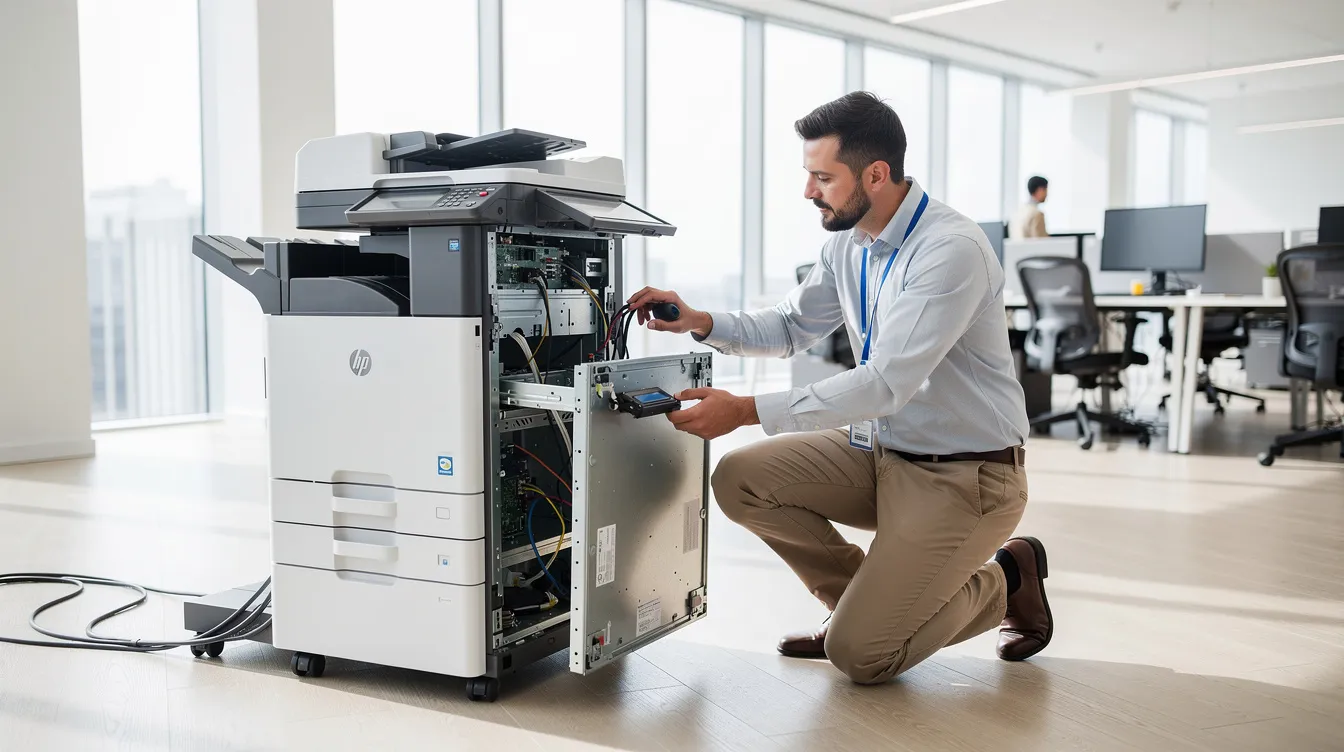
Use a hero image or short looping video of a real office environment with MFP devices and a technician, not stock abstract graphics. On a good landing page, video is optional and should only be used when it reinforces the message and CTA. Responsive design ensures usability across mobile devices for local businesses – and more than half your visitors will be on a phone or tablet.
What Core Services Belong on the Primary Services Overview Landing Page?
This page should prominently feature four to six service tiles covering your main revenue streams. Each tile gets an icon, a one- to two-line description, and a secondary CTA that links to a deeper service page.
Here are the services that belong front and center:
- Copier Leasing – Predictable monthly cost, new or late-model MFPs, and all-inclusive maintenance contracts. Many buyers search for multifunction printer (MFP) lease programs, so use that phrasing.
- Short-Term Copier Rental – Flexible short-term rentals for events, projects, or temporary office space without a long-term commitment.
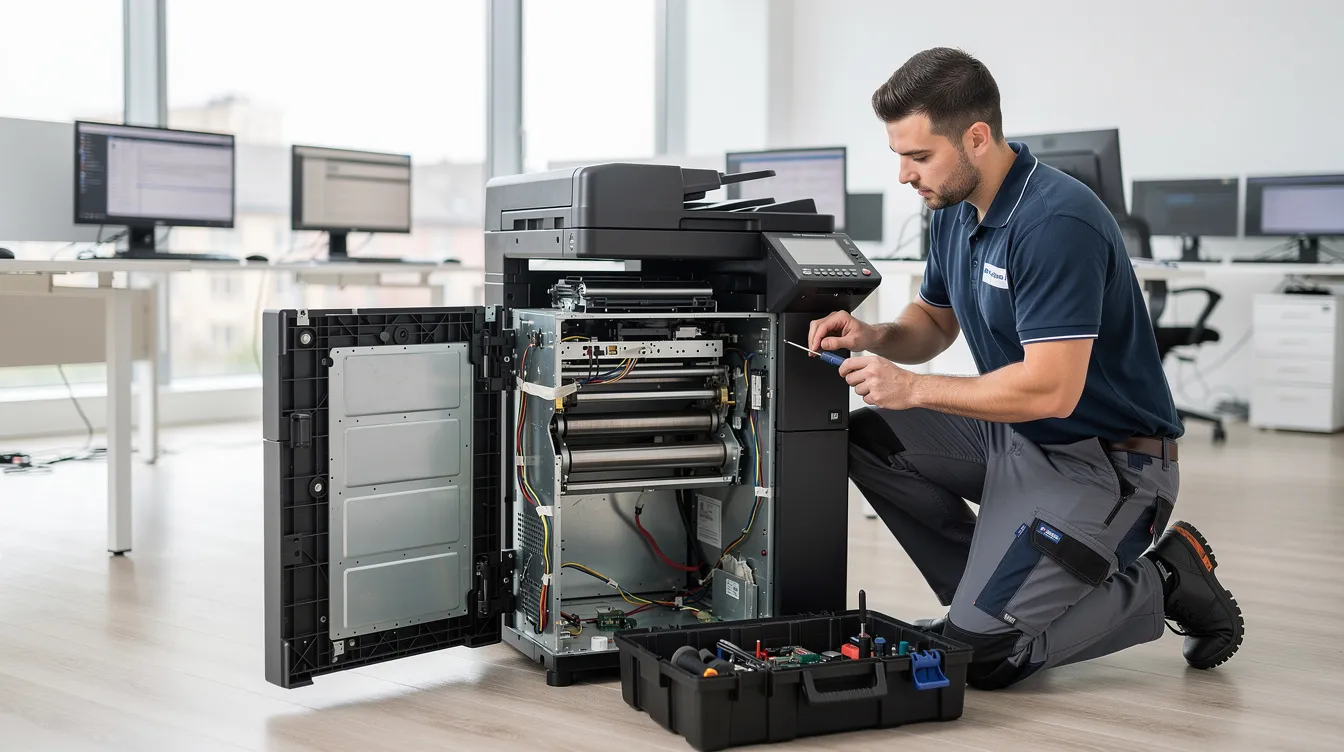
- Printer Repair & Maintenance – Fast on-site and remote repair with guaranteed response times. Link to your preventive copier maintenance content.
- Managed Print Services (MPS) – Fleet monitoring, automated supply replenishment, usage analytics, and cost reduction across your print environment.
- Remote IT Support / IT Managed Services – Secure network management, desktop support, cable and network management, and proactive monitoring for businesses without a full IT department, plus access to detailed Brother printer service and parts manuals when deeper device-level troubleshooting is required.
Each tile should use clear and direct language – one sentence about what it is, one sentence about why it matters. Think of it as encouraging visitors to self-select the service that matches their problem. These tiles should also support lead generation campaigns by making the next step obvious for each offer.

How Do You Use Effective Landing Page Best Practices on a Homepage?
Your website homepage can and should borrow landing page design principles to drive more inquiries from qualified traffic. A high-converting landing page has a clear headline and CTA – your homepage needs the same discipline, just applied across multiple service paths.
Landing page best practices to apply:
- One dominant CTA that appears above the fold and repeats at the bottom. Landing pages focus on a single call-to-action; your homepage should have one primary action even if secondary options exist.
- Benefit-focused headlines that speak to the reader’s problem, not your company history.
- Minimal clutter. Remove anything that does not move a visitor toward a quote request or phone call, including distracting headers, footer links, or other page elements when a homepage section is acting like a landing page.
- Trust signals near the top of the page (more on this below).
- Short paragraphs, bullet points, and scannable content. Landing page content written for skimmers outperforms long blocks of text every time.
- Keep forms short. Reducing form fields from seven or eight down to three or four can significantly increase completion rates.
- Use direct language instead of copier-industry jargon. Say “monthly cost” instead of “OpEx optimization.”
Landing pages improve conversion rates significantly when they eliminate distractions. Using landing pages – or homepage sections that behave like them – can reduce cost per lead by 76%. Your homepage is not a narrow campaign-only page, but it should feel just as focused.
How Should Navigation and Site Structure Work on This Page?
Navigation should support exploration but not overwhelm. Keep a top menu, a footer with contact details and secondary links, and a single on-page “Services Overview” section that acts like a mini index for the entire website.
What belongs in the main menu:
- A Services dropdown listing Copier Leasing, Copier Rental, Printer Repair, Managed Print, and Remote IT Support
- Resources (blog post library, guides, FAQs)
- About
- Contact (with phone number visible, not buried)
Internal linking matters for both users and search engines. Link service tiles to deeper pages with descriptive anchors like “commercial copier leasing programs,” “managed print services for small businesses,” and “copier rental vs. copier leasing options.” If you publish technical resources such as Savin and Ricoh copier service manuals, those belong in a clearly labeled resources section rather than your main conversion path.
The key difference between a pure landing page and a homepage here is that landing pages often minimize or remove menus entirely. Your homepage keeps navigation to serve multiple intents – but still emphasizes one primary journey toward requesting a quote. Breadcrumbs and logical URLs (e.g., /copier-leasing) help both visitors and search engines find what they need.
Where Should You Place Social Proof and Trust Signals?
Social proof improves trust and credibility through testimonials and client logos. Place these elements on the homepage below the primary services section but above any long explanatory content.
Concrete trust elements to include:
- Named testimonials from real clients, with titles and industries (e.g., “Operations Director, Dallas logistics firm – ‘They showed us exactly what every line in the lease meant before we signed.'”)
- Star ratings from Google Reviews with a real score and year: “4.8 out of 5 rating as of 2026”
- Manufacturer certifications and partner logos displayed in grayscale for a clean look
- Years in business and number of clients served
- Brief case study snippets tied directly to your services – quotes mentioning fast printer repair response times on complex devices covered by detailed Gestetner, Lanier, Ricoh, and Savin copier service manuals or transparent copier leasing contracts
Design this as a horizontal band with two to three short testimonials and four to six logos. Keep copy brief and scannable.

How Should You Present Copier Leasing Pricing and Avoid “Trap” Perceptions?
You do not need to list every price on the homepage. But you should clearly explain typical cost ranges and what drives pricing, especially for small business copier leasing. Transparency is what separates a great landing page experience from a frustrating one.
How much does it cost to lease a commercial copier for a small business?
Monthly lease costs for U.S. small to medium businesses typically fall in these ranges (estimates – actual costs vary by machine, region, and volume):
- Entry-level monochrome desktop MFP: 50–150/month, while more advanced color units such as the Konica Minolta bizhub C258/C308/C368/C458/C558/C658 series typically sit higher in the pricing spectrum
- Mid-range color multifunction printer for a 15- to 50-person office: 150–300/month base lease; 200–400 all-in with service
- High-volume or production-class machines: 350–1,500+ depending on speed, finishing, and color capability, especially for production lines like the Konica Minolta BizHub PRESS C1070/C71hc/C1060 series
Per-page service charges (cost per copy) run about 0.01–0.02 per black-and-white page and 0.06–0.12 per color page. These are often separate from the base lease payment.
Common copier leasing traps to watch for:
- Escalation clauses that increase payments 5–10% annually, sometimes compounded, buried in fine print
- Aggressive auto-renew clauses requiring written notice 60–90 days before term end – miss the window and you are locked in again
- “Free” toner bundles that strip out parts and labor, costing you more over time
- Unclear end-of-term obligations including return shipping, refurbishing fees, and missing-accessory charges
- Overage fees on cost-per-page that spike if you exceed your monthly page allowance, particularly on high-capacity devices such as the Konica Minolta bizhub C454 and C554 if usage is not forecast accurately
Our Lease Transparency Pledge:
- Every quote lists CPC rates for both black-and-white and color pages
- Service response-time SLAs are stated in writing before you sign
- End-of-lease options (return, renew, upgrade, or buy out) are explained upfront
- No hidden escalation – what you see is what you pay
For a deeper breakdown of lease structures and what to negotiate, check our guide on the top copier leasing companies.
How Can This Page Explain Your Process in 5 Simple Steps?
Outlining a step-by-step process reduces perceived risk and makes contacting you feel safer and more predictable. A numbered list also makes your landing page content easy for AI overviews and featured snippets to pull directly.
- Request a copier or IT assessment – Fill out a short form or call. We ask about your current equipment, monthly print volume, and pain points.
- Remote or on-site audit – We review your existing fleet, network setup, and usage patterns to identify waste and risk.
- Receive a written proposal – Clear CPC rates, lease terms, SLA commitments, and total cost of ownership over the full term. No surprises.
- Approve and schedule installation – We handle delivery, setup, network integration, and user training.
- Ongoing monitoring, maintenance, and remote IT support – Proactive alerts, automatic toner shipments, and a dedicated support line.
Should You Include a Comparison of Homepage vs. Campaign Landing Page?
Including a simple comparison table helps non-technical stakeholders understand why they might need both a strong homepage and different landing pages for specific campaigns. Reviewing landing page examples can also help stakeholders see how mobile-friendly, lead-capture, or single-offer pages differ from the homepage. Landing pages focus on a single call-to-action, while your homepage casts a wider net.
| Feature | Primary Services Overview Homepage | Single-Offer Landing Page |
| Focus | Serves many audience segments and intents | Serves one particular audience from one traffic source |
| Traffic source | Organic search, direct visits, branded queries, email marketing, paid traffic | Typically one specific marketing campaign or paid campaigns like Google Ads |
| Navigation | Full menu, footer links, internal linking to other pages | Landing pages typically have no external links or navigation |
| CTA | One primary CTA plus secondary paths to services | Landing pages have a single call-to-action (CTA) |
| Content scope | Comprehensive overview of all services | Focused on one offer or lead capture |
| Campaign tie-in | Evergreen – always live as your home page | Built for a specific advertising campaign with a defined end date |
You can have multiple landing pages – even dozens for different paid campaigns – but only one homepage. Lead capture pages and lead gen pages built for specific campaigns send traffic to a separate page with a single conversion goal. Your homepage is the anchor for your online marketing presence.
How Do You Optimize This Page for Search Engines and AI Overviews?
Your homepage or primary services overview landing page must be optimized for search engines and for AI-driven answer engines. SEO best practices include clear page titles and accurate meta descriptions that match user intent and search intent.
Optimization checklist:
- Use the primary keyword in your page title, H1, introduction, at least one H2, and conclusion.
- Work secondary phrases in naturally – “multifunction printer (MFP) lease programs,” “landing page best practices,” and variations of your core services. Avoid keyword stuffing.
- Internal linking to deeper service pages with descriptive anchors strengthens both user experience and search visibility. Link to your service contract plans and maintenance content where relevant.
- Reference authoritative external sources for credibility. For example, the FTC’s guidance on business contracts supports your transparency claims, and frameworks like NIST help validate your security positioning.
- Tracking conversion rates and user engagement provides insights for improvement. Use analytics to monitor which service tiles get clicked, where visitors drop off, and which CTAs drive calls, then align content depth with the complexity of equipment you service, such as Konica Minolta bizhub C652/C552/C452 series devices.
- Landing pages provide measurable insights into audience behavior – apply that same measurement discipline to your homepage sections.
- Landing pages support A/B testing for optimization. Test different landing page headline variations, CTA button colors, and form lengths on your homepage to find what converts best.
- Local relevance is critical for businesses competing in search results. Include your service areas, city names, and local phone numbers.
- Landing pages can be optimized for search engines to attract organic traffic – and your homepage should be your strongest-performing page in organic search.
According to Clear Digital’s 2025 B2B Technology Homepage Effectiveness Report, only about 35% of Fortune 500 tech firm homepages scored well on conversion clarity, and just 30% performed well on trust signals. That is your opportunity to outperform larger competitors simply by getting the basics right.
Conclusion and Call to Action
Commercial copier leasing gives small businesses a predictable way to get reliable MFP equipment, usually for $75 to $350 a month plus per-page service. The lease itself is rarely the problem; auto-renewals, escalators, and non-cancelable terms are. Read every page, get every fee in writing, and calendar your notice deadline the day you sign.
Ready to lease a copier without the guesswork? Clear Choice Technical Services of Indianapolis carries today’s fastest copiers and MFPs, and we’ll match you with the right model for your print volume and budget. Every quote comes with clear, written terms: no hidden escalators, no surprise auto-renewals, and no fine print you have to decode alone.
Call (317) 210-4600 for your best-price quote, or ask about a free demo trial so you can test the machine in your office before you sign anything.